
A daily routine can feel impossible when your schedule changes, energy dips, and old habits slide. AI will not magically fix that. But it can act as a thinking partner that helps you plan around your real life. You can start with one free tool and a simple prompt. This guide shows you how to use AI to build a routine that fits you, not a generic morning list. If you are new to using AI in everyday life, this overview of how to use AI in daily life will help you feel oriented before you start.
Most routine advice assumes you have a predictable 9 to 5 and endless willpower. That is why it fails. AI works differently because you can give it constraints. Tell it your commute, your energy lows, and your non-negotiables. It will rearrange blocks instead of telling you to try harder. For a broader set of realistic use cases, ChatGPT personal use ideas shows how people apply this in ordinary situations.
The key is not asking AI for a perfect plan. The key is creating a feedback loop. Each evening, you tell the AI what worked and what did not. It revises the next day. Over a week, the routine starts to feel natural. You do not need a complex setup. You need a few reusable prompts and about ten minutes a day.
We will walk through seven concrete steps. You will see exact prompts you can copy and adjust. We will also cover privacy, common mistakes, and the one warning I wish someone gave me. If you already use AI for small tasks, this will build on that. If you are new, this is a good first project.
What You’ll Need
- A free ChatGPT, Claude, or Google Gemini account
- A notes app or one AI chat thread
- Your real schedule and time constraints
- 10 minutes a day
How Do You Use AI to Build a Better Daily Routine Fast?
- Pick one AI assistant and set a privacy rule before you start.
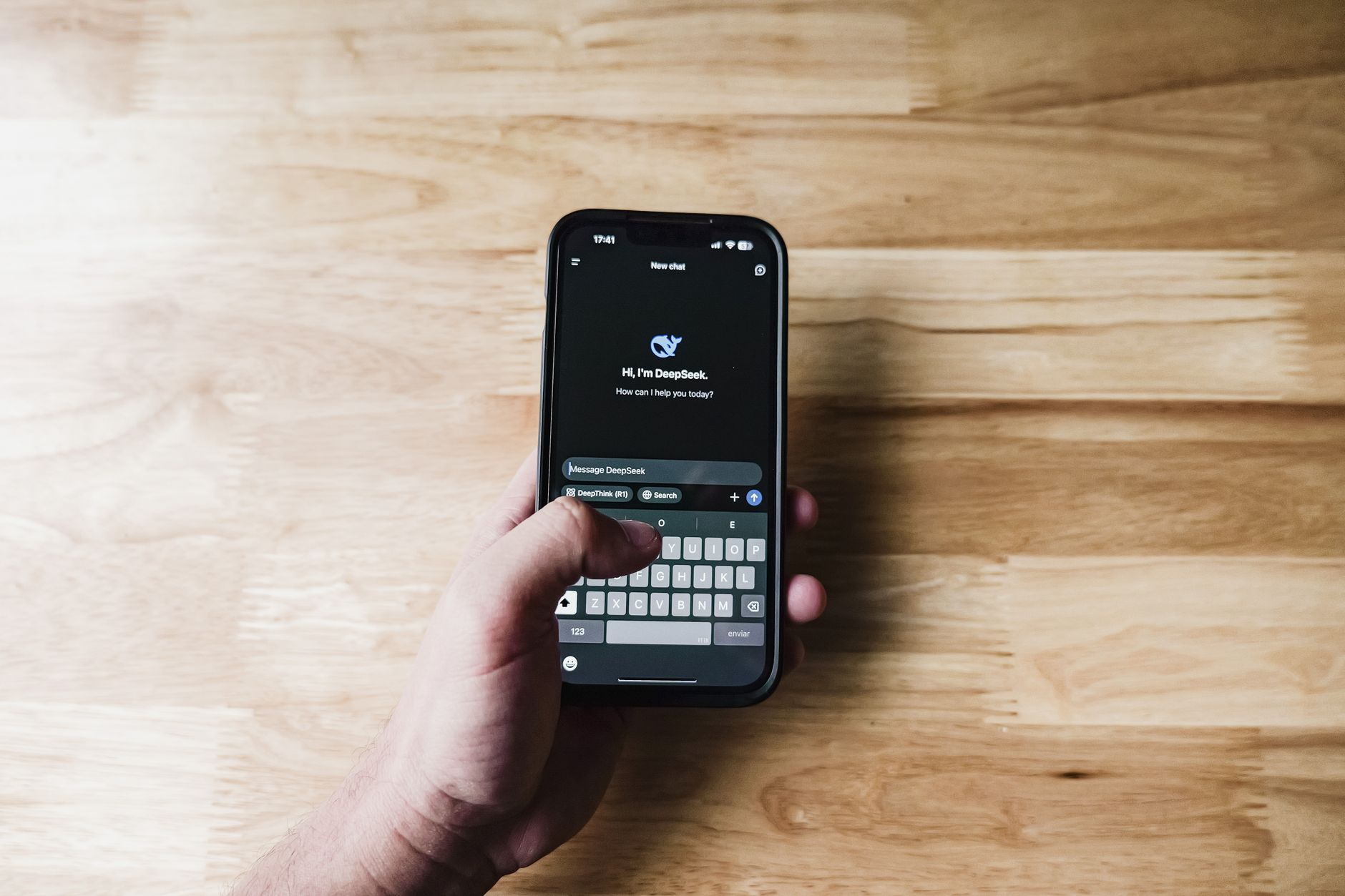
Start with a single assistant. You can use ChatGPT, Claude, or Google Gemini. Each has a free tier that can handle routine planning. Do not create three accounts. You need one thread that remembers your preferences and context. If you already use a tool, stick with it. If not, pick the one that feels easiest to open on your phone.
Set a clear privacy boundary. Do not paste your full address, your child’s exact school, or login details. Use general labels like ‘school drop-off 8:10 to 8:35’ or ‘work meeting block.’ Read the provider’s data policy before you share. OpenAI explains how ChatGPT data is used on their site, and it is worth a quick read. You can find more practical privacy tips in this guide on AI privacy.
Why does this matter? A routine prompt will include many small details about your day. You want the AI to know your commute time, not your home address. You want it to know you feel tired after lunch, not your medical history. Keep the useful context and remove the sensitive identifiers.
Once you choose a tool, open one chat thread named ‘Daily Routine.’ This thread becomes your routine coach. All future prompts, check-ins, and adjustments go here. That single thread keeps your context together.
Prompt: “Act as my routine coach. I will share my typical weekday constraints in general terms. Do not include real names, exact addresses, or financial data. Help me build a schedule around these blocks.”
- Name one routine you want to fix, not your whole life.
Most people open AI and type ‘help me fix my life.’ That produces a giant list and no action. Instead, pick one routine. Morning, after work, evening, lunch, or study block. A narrow target gives the AI a clear problem to solve.
The more specific you are, the better the draft. ‘Help me build a morning routine’ is too vague. ‘Help me build a 30-minute school-morning routine for two kids and one dog where we leave by 8:05’ is concrete. The AI can work with those details.
Write a starter prompt that includes your wake time, fixed commitments, energy level, and one non-negotiable. Non-negotiables keep the routine from becoming a rigid chore. Maybe your non-negotiable is ten quiet minutes with coffee. Or a short walk before email.
This step connects directly to the next one. Once the AI knows the routine boundary, it will ask follow-up questions. Answer them in the same thread. Those answers become the raw material for a realistic time-boxed draft.
Prompt: “I want to rebuild my weekday morning from 6:30 to 8:00. I need to walk the dog, make breakfast, shower, and leave by 8:05. I feel sluggish until 7:15. My non-negotiable is a 10-minute coffee with no phone. Ask me 3 questions before drafting.”
- Turn the plan into a time-boxed draft with real buffers.
Ask the AI for start and end times for each block. A plan without times is just a wish list. Time boxes create gentle pressure and show you what still fits. Ask for a simple list, not a long essay.
Include transition buffers. Most routines fail because they ignore the minutes between tasks. If you finish breakfast at 7:15 and need to shower at 7:15, you will rush. Ask for a five-minute buffer after every two or three tasks. A good rule is to add 10 to 15 percent to each task time. For a 15-minute task, plan 17 minutes.
Give the AI your real averages, not your ideal times. If you shower in 12 minutes, say 12. If your commute takes 25 minutes, say 25. AI can only plan around what you tell it. With honest inputs, the draft will feel less like a fantasy and more like your actual day.
Review the draft and mark anything that feels too tight. The AI will adjust. This is also a good moment to read more about AI for productivity if you want to apply the same idea to work tasks.
Prompt: “Use the answers from above. Create a time-boxed morning plan from 6:30 to 8:05. Add a 5-minute buffer after showering, breakfast, and dog walk. Give me the plan as a simple list with start and end times. Ask me to confirm if any block feels too tight.”

- Build a short library of daily check-in prompts.
Your daily routine lives or dies on feedback. The first draft is just a guess. Daily check-ins turn the guess into a system that learns. You do not need a new prompt every day. You need three saved prompts for morning, midday, and evening.
The morning prompt asks the AI to preview the day and flag conflicts. The midday prompt checks whether you are on track or need to shift. The evening prompt asks what to keep, drop, or change tomorrow. Keep these prompts in a notes app or at the top of your chat thread.
Copy and paste them each day. The wording can stay exactly the same. That consistency saves time and keeps you from overthinking. You can use voice input if your tool supports it. A 45-second voice note works just as well.
This is where most people quit. They generate a pretty plan on Sunday and never open the chat again. The daily check-in is the actual routine. Without it, the plan freezes. With it, the plan adjusts to your real energy, interruptions, and mood.
Morning prompt: “Here is my day. Flag any time conflicts, tell me the one task I should do before 10 a.m., and suggest a 5-minute reset if I start to feel behind.”
Evening prompt: “What went well today? What slipped? Based on this, give me a revised 5-block plan for tomorrow with the same constraints.”
- Attach AI to one real daily anchor instead of using it randomly.
A routine needs a trigger. ‘Ask AI later’ is not a trigger. ‘After I brush my teeth’ is. Choose one anchor for your daily check-in. The anchor can be after your alarm, after lunch, when you sit at your desk, or right before bed.
Attaching the prompt to an existing habit makes it stick. You already brush your teeth, make coffee, or close your laptop. Add a 30-second AI check-in right after that moment. Do not create a new standalone reminder that is easy to ignore.
The cue-action-reward loop works here. The cue is the anchor. The action is opening the chat and pasting the prompt. The reward is a small checkmark or a concrete next step. Ask the AI to celebrate a win and suggest one tiny action.
If you struggle to remember, set the AI app icon next to an app you already use. The visual trigger is enough. Over time, the check-in feels like part of the anchor, not an extra task. This small shift saves more time than any fancy setup. For more ways AI can reclaim hours, see how AI can save you time.
Prompt: “Every weekday at 8:05 as I walk out the door, I will say ‘morning check-in’ to this chat. Remind me to rate my energy, confirm my top task, and flag one possible delay.”
- Run a 15-minute weekly review and ask AI to spot patterns.
Daily check-ins create small notes. Once a week, spend 15 minutes reviewing them. You can paste your completed lists or write three sentences about the week. The AI turns those fragments into patterns.
Ask the AI to find the two biggest friction points. Maybe you always feel rushed on days with back-to-back calls. Maybe your evening routine collapses when you skip an afternoon snack. AI connects dots you might miss because you are inside the week.
This review is where the routine improves. Instead of adding more tasks, you remove friction. A good weekly prompt asks for one thing to stop, one thing to start, and one thing to keep. That keeps the next week simple.
Research on habit formation often cites about 66 days for a new habit to feel automatic. Weekly reviews can shorten the painful part because you adjust before a bad pattern hardens. The review also shows you what already works, so you do not throw away a good routine by accident.
Prompt: “Here are my daily check-in notes for the week: [paste notes]. Find the two biggest friction points. Tell me one thing to stop doing, one thing to start, and one thing to keep. Then rewrite my morning and evening routines for next week.”

- Automate small decisions and keep yourself as the final filter.
Once your core routine feels stable, use AI for small repeated decisions. Meals, errand order, workout timing, and outfit choices are good candidates. These decisions drain energy but rarely involve your deepest values.
The rule is simple: AI suggests, you decide. If the AI proposes a meal you hate, swap it. If it suggests a workout at 5 a.m. and you are not a morning person, say no. The routine stays yours. You are using AI as a thinking partner, not obeying it.
For example, you can ask AI to turn your approved meal plan into a grocery list sorted by aisle. This pairs well with AI for meal planning. You can also use Gemini or another tool to draft a text summary of your week. Google AI has model details and examples on their official page.
Do not automate decisions that involve health, legal, or financial tradeoffs without a human expert. AI can organize information, but it cannot know your full context. Keep the final filter in your hands.
Prompt: “Take my approved weekly meal plan and turn it into a grocery list grouped by store section. Cross off anything I said I already have. Add a 5-minute evening prep step for each weekday dinner.”
Red Flags & Warnings
- 🚨 Don’t paste private details like your full address, child’s school name, or login info into a general AI chat. Use general labels instead.
- 🚨 Don’t ask AI to build a perfect schedule and then try to follow it exactly. Always add buffers and treat the plan as a draft.
- 🚨 Don’t skip the daily check-in for three days and expect the routine to stick. The feedback loop is the whole point.
- 🚨 Don’t use a different AI chat thread every time. You lose your constraints and preferences. Keep one thread.
- 🚨 Don’t let AI make every small decision. If you feel passive or resentful, take back the final choice.
- 🚨 Don’t share AI outputs as medical, legal, or financial advice. For sleep, health, or money decisions, check with a human expert.
Frequently Asked Questions
Can I use free AI tools for this?
Yes. ChatGPT, Claude, and Google Gemini all have free tiers that handle daily routine prompts. Paid plans add features, but they are not required to start.
How long before I see a difference?
Most people feel a shift within three to five days if they do the daily check-in. Weekly reviews help the routine settle after two or three weeks.
What if my schedule changes every day?
That is actually a strength. Give the AI your daily constraints each morning. It will produce a new time-boxed plan in seconds without making you start from scratch.
Should I share my calendar or task list with AI?
You can share general, non-sensitive items. Avoid giving full access to work accounts or exact locations. Paste what is relevant and label it generally.
What if AI gives me a routine I hate?
Tell it exactly what felt wrong. The AI adjusts based on your feedback. You are not stuck with the first draft, and you can edit any block.
Is my data private?
Check the provider’s policy. Most consumer tools use conversations to improve models unless you opt out. Avoid sensitive personal data and use general labels instead.
What Should You Remember?
- Start with one routine: Do not redesign your whole day. Pick a morning, evening, or lunch block.
- Use one AI thread: Keep all your constraints and preferences in a single chat.
- Add real buffers: Ask for 10 to 15 percent extra time between tasks.
- Do daily check-ins: A five-minute evening prompt keeps the plan alive.
- Review weekly: Ask AI to spot patterns and remove friction.
- Stay the final filter: AI suggests, you decide. Never outsource your values.
This article is for general information only. AI tools, pricing tiers, and free limits change frequently, so verify current features and pricing on the vendor’s own site before committing. Some links may be affiliate links that support this site at no cost to you.