Most people hear ‘AI projects’ and think about coding or building robots. That is not what this guide is about. A beginner AI project can be as simple as planning five dinners, summarizing a long insurance document, or writing a polite text to a difficult neighbor. You type a plain sentence, the AI responds with useful text, and you tweak it until it sounds like you. If you are completely new to this, read our guide to using AI in daily life first. It walks through the basic idea of chatting with an AI tool without any technical background.
We tested four popular tools plus one organization tool. The goal was to see which one is easiest for normal, everyday projects. We tried meal planning, email drafting, trip research, learning a skill, and organizing a home project. Each tool has a free tier, so you can test without paying. Our list of free AI tools in 2026 covers what you can do for zero dollars. You do not need to subscribe to every tool. One or two will cover most beginner projects.
Pricing gets confusing fast. ChatGPT Plus costs $20 per month, and Claude Pro costs the same $20 per month. The free tiers are enough for many people, but they come with daily message limits and slower speeds. Before you pay, read our breakdown of whether ChatGPT Plus is worth it. You may find that a free tool handles your project just fine. We looked at the current pricing pages for OpenAI, Anthropic, and Perplexity to confirm these numbers.
One warning before you start. Do not paste bank account numbers, medical records, or passwords into any AI chat tool. These systems store your conversations unless you turn off history. For a deeper look, read our AI privacy guide. After testing everything, we found that the best beginner project is one you actually need this week, not a hypothetical one. Start with a task that already exists in your life. You will learn faster.
How Do the Top Options Compare?
| Tool | Free Tier | Paid Plan | Best Beginner Project |
|---|---|---|---|
| ChatGPT | Limited GPT-4o mini and GPT-4o messages | $20/month ChatGPT Plus | Meal planner and email assistant |
| Claude | Limited messages on Claude 3.7 Sonnet | $20/month Claude Pro | Rewriting notes and personal journal |
| Gemini | Gemini 2.0 Flash access with Google account | $19.99/month Google AI Pro | YouTube summaries and Google Docs help |
| Perplexity | 5 Pro Searches per day, unlimited quick search | $20/month Perplexity Pro | Researching a purchase with sources |
| Notion AI | Free trial, then Notion plan plus AI add-on | $10/month AI add-on | Organizing a home project database |
Prices and free limits change often. Check OpenAI, Anthropic, and Perplexity pricing pages before you commit. Notion AI requires a Notion workspace plan plus the AI add-on.
1. ChatGPT , Best all-around starter for everyday text projects
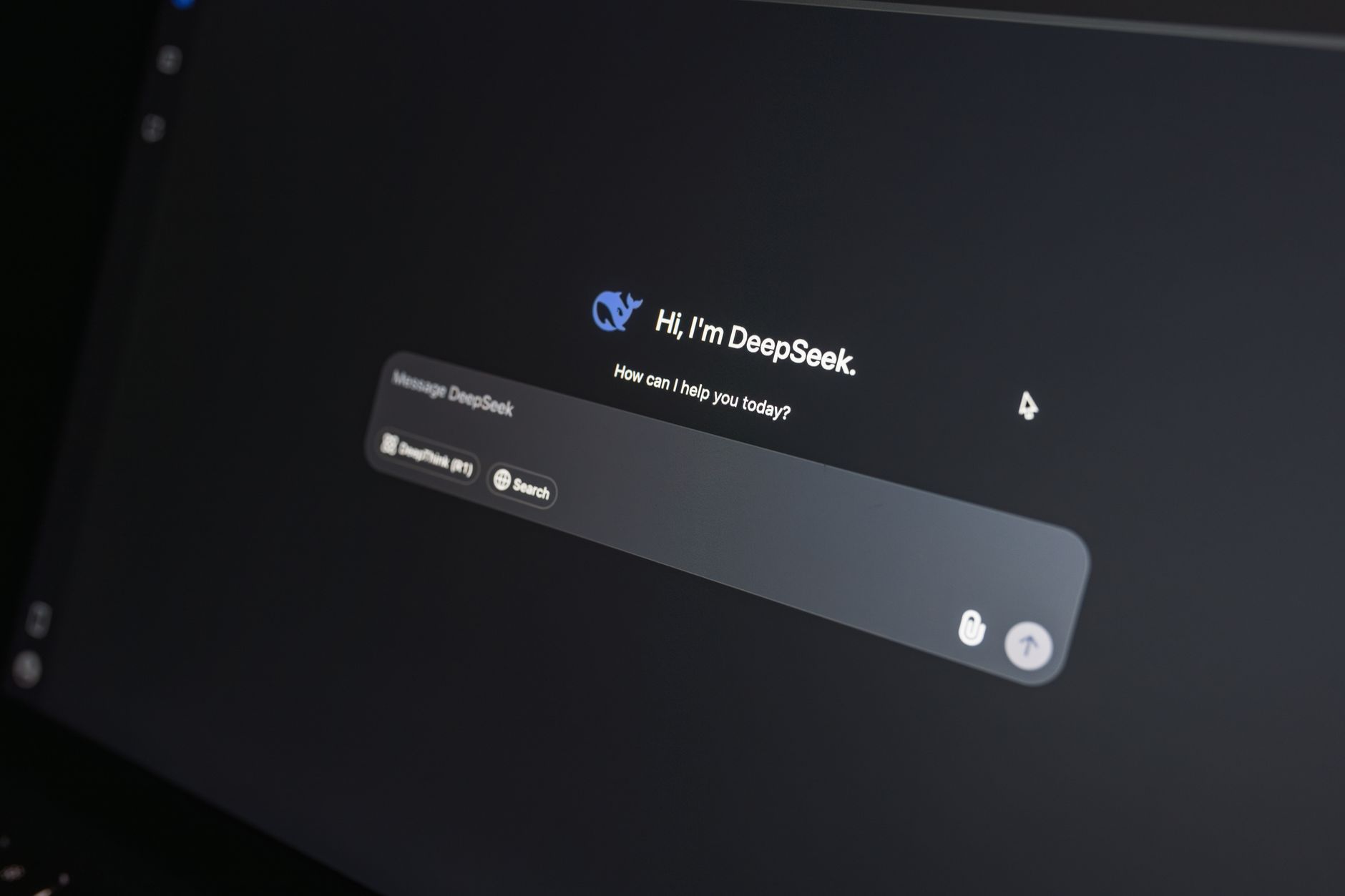
ChatGPT is the default starting point for most beginners, and for good reason. The chat screen is simple. You type a request like ‘plan a week of dinners for a family of four with no pasta’ and it returns a seven-day menu with a shopping list. This is one of the easiest first projects. Our ChatGPT personal use ideas article has dozens more examples, from writing birthday cards to figuring out what to do with leftover ingredients.
OpenAI gives free users limited access to GPT-4o mini and standard voice mode. The paid plan, ChatGPT Plus, costs $20 per month and removes many limits. The OpenAI pricing page lists the current tiers. You do not need Plus to try a beginner project. The free tier is enough for meal planning, simple emails, and quick explanations.
Where ChatGPT falls short is tone. Its first draft can sound a bit generic or overly cheerful. You need to add your own details and tell it to cut the exclamation points. If you are writing something personal, you will edit the output. For everyday tasks, that is not a big problem. It is fast, available on your phone, and supports voice conversations.
A second hidden cost is patience. The free tier can get busy and slow down during peak hours. You may hit a message cap after a long session. If that happens, switch to another free tool for the rest of the day. No need to pay right away.
Key strengths:
- ✅ Free tier includes GPT-4o mini for basic tasks
- ✅ Simple chat interface with voice mode on mobile
- ✅ Large community with many shared prompt examples
- ✅ Can generate images in the paid plan
- ✅ Handles meal planning and email drafts well
- ❌ Free tier limits GPT-4o usage and can slow during peak times
- ❌ First drafts often sound generic or too cheerful
- ❌ Requires an account and stores conversation history by default
Who it’s for: Choose ChatGPT if you want one free tool for meal plans, emails, and quick explanations without a steep learning curve.
2. Claude , Best for natural writing and longer documents
Claude is the best choice when your beginner project involves writing. It produces more natural, less robotic text than many other tools. Tell it to rewrite a long email into three clear sentences, or paste your messy class notes and ask for a one-page summary. The output sounds closer to how a thoughtful person actually writes. Our Claude Pro review goes deeper into its strengths.
Anthropic offers a free tier with limited messages on Claude 3.7 Sonnet. The paid plan, Claude Pro, costs $20 per month. You can check current details on the Anthropic website. The free tier works for short writing projects like a cover letter or a difficult text message. Longer projects, like editing a 20-page document, will eat through the free limits quickly.
One standout beginner project is the personal journal cleanup. Paste several scattered thoughts from your week, and ask Claude to find patterns or suggest a short reflection. It handles long documents without losing context, which is rare. Another good project is turning a recipe photo into a formatted ingredient list, though you need to double-check amounts.
The main downside is that Claude’s free tier is not generous if you chat for an hour. You also do not get built-in image generation in most consumer plans. If your project is mostly text, that matters less. For writing projects, Claude is often worth the $20 monthly fee, but test the free tier first.
Key strengths:
- ✅ Writes in a very natural, less robotic style
- ✅ Handles long documents and messy notes well
- ✅ Summarizes complex text without losing key points
- ✅ Strong at rewriting and editing tone
- ✅ Clear free tier for short projects
- ❌ Free message limits run out faster than some competitors
- ❌ No built-in image generation in most consumer plans
- ❌ Still requires editing for personal voice
Who it’s for: Pick Claude if your first AI project is writing, journaling, or turning messy notes into clean text.
3. Gemini , Best if you already live in Google apps

Gemini works best if you already use Google apps like Gmail, Docs, and YouTube. You can ask Gemini to summarize a YouTube video before you watch it, draft a reply inside Gmail, or pull information from your own Google Drive. This makes it a natural first step for anyone who lives in a Google account. If your goal is to use AI for everyday work, read our AI for productivity guide.
Google offers a free tier through the Gemini app with a Google account. The paid Google AI Pro plan costs $19.99 per month and adds advanced features. Free users can handle quick questions, summaries, and simple drafts. The free tier is generous for daily use, but some advanced reasoning tasks require the paid plan.
A practical beginner project is the YouTube lecture summary. Find a 30-minute tutorial, paste the link into Gemini, and ask for five key points and one action step. It saves time and teaches you how to phrase prompts. Another project is the weekly schedule helper. Tell Gemini your work hours, family commitments, and exercise goals, and ask for a realistic plan.
Gemini is not as strong as Claude for long, elegant writing. Its answers can feel a bit list-heavy. But for daily Google users, the integration beats that weakness. You can ask for a draft in Docs and then edit it without switching tabs.
Key strengths:
- ✅ Works directly inside Gmail, Docs, and YouTube
- ✅ Generous free tier for quick daily questions
- ✅ Strong voice input and mobile app
- ✅ Good at summarizing videos and web pages
- ✅ Pulls from your own Google Drive with permission
- ❌ Writing style can feel list-heavy or less natural
- ❌ Free tier pushes Google services and account permissions
- ❌ Privacy settings are spread across Google account menus
Who it’s for: Choose Gemini if you want AI while working in Gmail, Docs, or YouTube without switching apps.
4. Perplexity , Best for quick answers with cited sources
Perplexity is an answer engine, not a chat companion. You type a question like ‘what is the best air fryer under $100’ and it gives a short answer with numbered sources. This is perfect for beginners because you can verify claims without hunting through forums. If you are researching a purchase, planning a trip, or checking a health claim, Perplexity is the fastest place to start.
The free tier includes unlimited quick searches and 5 Pro Searches per day. Pro costs $20 per month and adds hundreds of Pro Searches, longer outputs, and file uploads. The Perplexity pricing page lists current limits. For a beginner, 5 Pro Searches per day is enough for one research project. Quick searches are still useful for fast factual lookups.
A great first project is the big purchase comparison. Ask Perplexity to compare three running shoes under $120 for a beginner who runs on pavement. It returns a table or list with sources. You can then click the links, read reviews, and make a decision. This teaches you to trust but verify AI output.
The downside is that Perplexity is not built for long creative writing or multi-step personal projects. Its answers are concise and source-heavy, which is good for research but less useful for drafting a heartfelt note. It also sometimes pulls from sources that contradict each other, so you still need to read the original pages.
Key strengths:
- ✅ Cites a source for every answer
- ✅ Free tier includes unlimited quick searches
- ✅ Clean, search-style interface is easy to learn
- ✅ Excellent for product and travel research
- ✅ No need to write complex prompts
- ❌ Free tier limits Pro Searches to 5 per day
- ❌ Not ideal for long creative writing or personal tone
- ❌ Sources can disagree, so fact-checking is still needed
Who it’s for: Choose Perplexity if your first AI project is researching a purchase, planning a trip, or checking facts with sources.
5. Notion AI , Best for organizing projects and notes
Notion AI is a bit different. It lives inside Notion, which is a popular note-taking and project management tool. If you already use Notion for school, work, or home projects, adding AI can help you summarize meeting notes, generate to-do lists, and organize messy pages. If you are new to Notion, this tool adds a learning curve, so it is not the best first AI project unless you want an all-in-one workspace.
Notion AI costs an extra $10 per month on top of a Notion plan, and there is a limited free trial. That means you pay more than ChatGPT or Claude if you do not already pay for Notion. The free plan of Notion itself is fine for personal use, but the AI add-on is not free. For most beginners, a standalone AI chat tool is cheaper and easier.
A strong beginner project is the home renovation tracker. Create a Notion page with your budget, room measurements, and paint colors. Then ask Notion AI to summarize the page, list next steps, and flag missing information. It turns a messy note into an action plan. Another project is the study notes database. Paste lecture slides and ask Notion AI to create practice questions.
Notion AI is not the best conversational partner. Its responses work inside documents and databases, not as a standalone chat. If you ask it to plan a week of dinners, it can do it, but ChatGPT or Claude does it just as well with fewer clicks. Use Notion AI only when your project already lives in Notion.
Key strengths:
- ✅ Works inside Notion pages and databases
- ✅ Summarizes notes and meeting transcripts quickly
- ✅ Helps build project trackers and to-do lists
- ✅ Good for home projects and study notes
- ✅ Connects to existing Notion pages without copy-paste
- ❌ Requires a Notion workspace and extra AI add-on cost
- ❌ Not as conversational as dedicated chat tools
- ❌ Learning curve for people new to Notion
Who it’s for: Pick Notion AI if you already use Notion or want one place for project notes, tasks, and AI summaries.
Frequently Asked Questions
What is the easiest AI project for a complete beginner?
Start with meal planning. Tell ChatGPT or Claude your dietary restrictions, budget, and how many dinners you need. Ask for a shopping list. It takes five minutes and shows you how the tool works.
Do I need to pay for AI to finish beginner projects?
No. The free tiers for ChatGPT, Claude, Gemini, and Perplexity handle most simple projects. You only need to pay if you hit message limits or need advanced features every day.
Which AI tool is best for writing emails?
Claude usually writes more natural emails than the others. ChatGPT is also fine. Try both free tiers with the same email prompt and compare the tone.
Can AI help me learn a new skill?
Yes. Ask any of these tools to create a 30-day learning plan for a specific skill. Ask for short daily exercises and an explanation of each step. Then use Perplexity to find free resources.
Is it safe to paste personal information into AI tools?
Avoid bank details, passwords, and medical records. Read the privacy policy and turn off chat history if you want more control. No AI chat is completely private.
What is the difference between ChatGPT and Perplexity?
ChatGPT is a general assistant for writing, planning, and brainstorming. Perplexity is an answer engine that cites sources. Use Perplexity for research and ChatGPT for drafting text.
What Should You Remember?
- Start small. Pick one real task like a meal plan or email draft.
- ChatGPT free is enough for most beginner projects.
- Claude writes more natural text, but free limits run out faster.
- Perplexity gives sources, making it best for purchase research.
- Gemini shines if you already live in Google apps.
- Never paste passwords, bank details, or medical records into any AI chat.
This article is for general information only. AI tools, pricing tiers, and free limits change frequently, so verify current features and pricing on the vendor’s own site before committing. Some links may be affiliate links that support this site at no cost to you.