Most people first met a thesaurus in school. It was a thick book on a shelf, or a right-click menu inside a word processor. You typed a word, and it handed back a column of substitutes. Some fit your sentence. Many did not. The trouble was never the word list itself. The trouble was that a thesaurus does not know what you are trying to say. It matches words to words, not words to meaning.
An AI thesaurus turns that around. Tools like ChatGPT, Claude, and Gemini read the whole sentence you paste in, along with any notes you give them about tone. Then they suggest words that fit the situation, not just the dictionary entry. Ask for a warmer word and you get one. Ask for a word a ten-year-old would understand and you get that instead. It behaves less like a reference book and more like a well-read friend who happens to be good with language.
That shift sounds small. In practice it changes how you write emails, cover letters, school essays, product listings, and birthday toasts. This guide covers what an AI thesaurus does, how to phrase requests so you get answers you can use, which tools are worth your time, and where these systems still fall flat. No linguistics degree required.
| Tool | Best For | Typical Cost | Notable Strength |
|---|---|---|---|
| ChatGPT | Everyday rewrites and word hunting | Free tier, paid plans around $20 a month | Handles vague descriptions well |
| Claude | Long passages and a steady voice | Free tier, paid plans around $20 a month | Careful with tone across many paragraphs |
| Google Gemini | Writing inside Docs and Gmail | Free tier, paid plans around $20 a month | Lives where you already type |
| Perplexity | Definitions and factual word questions | Free tier, paid plans around $20 a month | Cites sources for its answers |
| Notion AI | Notes and documents inside Notion | Add-on to paid Notion plans | Suggests edits inside your page |
What Is an AI Thesaurus and How Is It Different?

A dictionary tells you what a word means. A thesaurus tells you which other words mean roughly the same thing. An AI thesaurus does the second job, but with your sentence sitting in front of it. That context is the entire difference.
Take the word happy. A paper thesaurus offers glad, cheerful, content, elated, blissful, and dozens more. If your sentence reads ‘she was happy with the invoice total,’ then elated is wrong. It overshoots. An AI tool can spot that and suggest satisfied, pleased, or fine with instead.
The same logic applies to tone. You might need a formal word for a client email, a relaxed word for a group chat, or a simple word for a child. A regular thesaurus cannot tell those apart because it never sees your audience. An AI one can, as long as you say who is reading.
There is one more difference worth knowing. AI thesauri explain their choices. Ask why a word fits and you get a short reason. That turns a plain lookup into a small writing lesson, which is why these tools show up in so many learning routines now.
How Does an AI Thesaurus Actually Work?
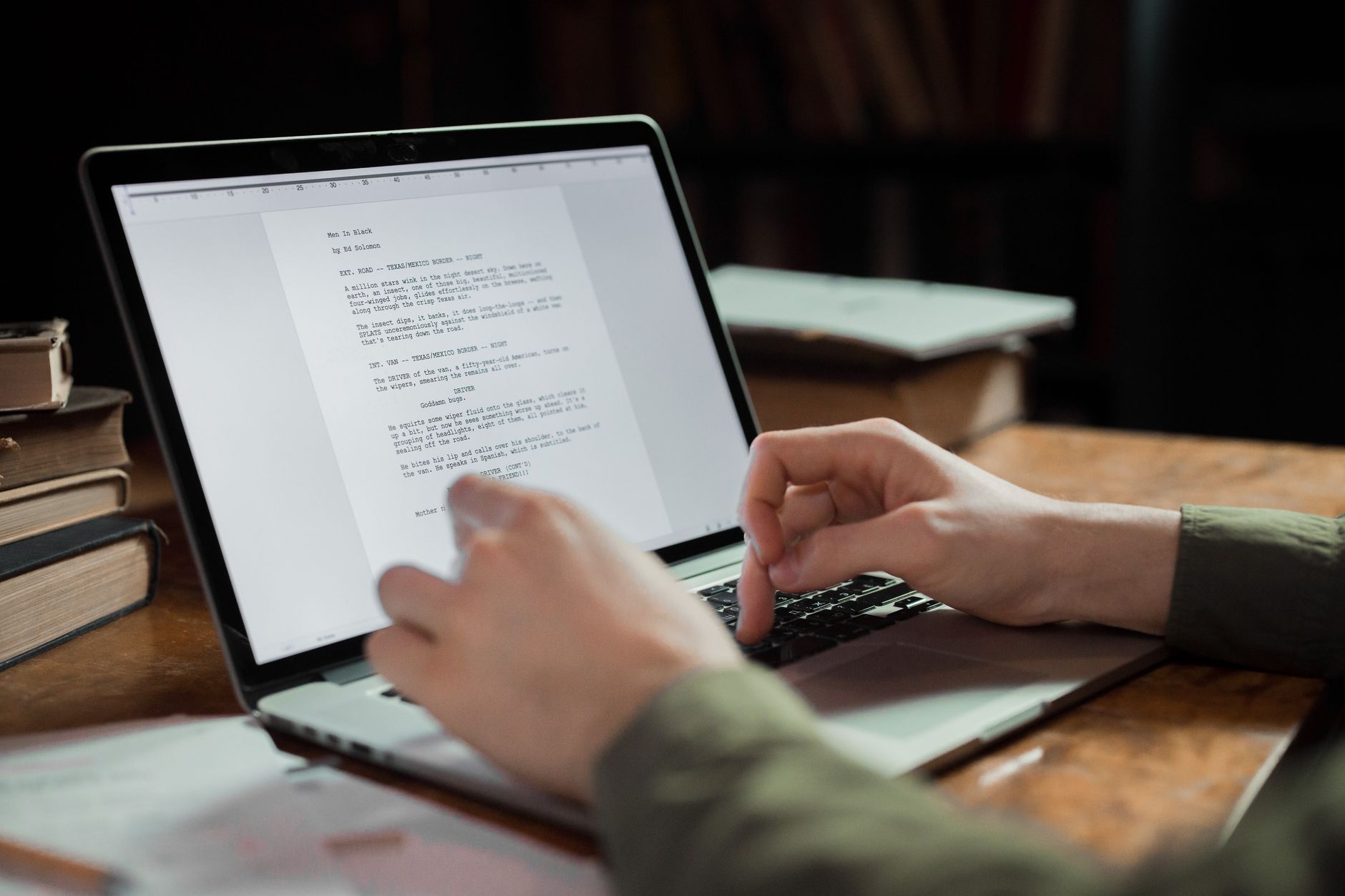
Under the hood, these tools do not carry a word list around. They learned patterns from enormous amounts of text. Google’s language model research describes this as learning statistical relationships between words across billions of sentences. Words that show up in similar settings end up close together on an internal map.
That map is why the tool can offer a synonym you have never heard of. If enough writing pairs two words in similar contexts, the model treats them as related. It is a rough version of meaning, not a perfect one, but it bends far more easily than a fixed dictionary.
Scale matters here. OpenAI reported that ChatGPT passed 800 million weekly active users in October 2025. With that many people typing requests, the models keep getting tuned on which follow-up questions actually help. A good number of those people are using it for exactly this job: rewriting and word choice.
You do not need any of this to use the tool well. It still helps to know that it is guessing from patterns rather than checking a rulebook. When a suggestion feels off, that is usually the reason.
What Can You Use an AI Thesaurus For in Everyday Life?
Most people never sit down to use a thesaurus. They reach for one mid-task. You are drafting something and one word keeps repeating, or a sentence lands harsher than you meant. That is where an AI thesaurus earns its place.
Here is a simple routine. Paste the sentence, say what feels wrong, and name your reader. Something like: ‘This sounds cold. Rewrite it so a new customer feels welcomed, but keep it under twenty words.’ You will get a handful of options in seconds, each one actually aimed at your situation.
Speed is the real win. Workplace surveys regularly find that the average office worker spends close to a quarter of the day on written communication, and small word-level edits eat much of that time. Handing the first pass to an AI is a common way people save time on writing tasks without giving up the final call.
The list below covers the requests people make most often. Any of them takes under a minute.
- Rewriting an email that sounds sharper than you meant
- Finding a simpler word for a school essay or a work report
- Replacing a word you have already used three times in one paragraph
- Adjusting the same message for two audiences, like a manager and a friend
- Finding a word that is on the tip of your tongue from a rough description
- Checking whether a word you picked sounds dated or overly stiff
Which AI Tools Handle Word Choice Best?
Every major assistant can do this job, but they behave differently. Some are better at tone, others at speed, and a few are better at explaining their reasoning.
ChatGPT is the most common starting point. It handles the tip-of-the-tongue case well, meaning you can describe a word without knowing it. The free tier covers most everyday needs, and paid plans add stronger models. Current options are listed on the OpenAI site.
Claude tends to be careful with longer text. It can read a full page of writing and keep the voice steady, which matters when you are editing an essay rather than a text message. Anthropic publishes model details at anthropic.com.
Google Gemini has one practical advantage: it lives inside Google Docs and Gmail. If your writing already happens there, suggestions appear where you are already typing. Google describes the models behind it at ai.google. Perplexity is a different shape. It is built for searching and citing sources, so it is better at questions like ‘what is the formal term for this?’ than at rewriting your paragraph.
How Do You Ask for Better Word Suggestions?
The single biggest upgrade is context. Vague requests get vague answers. If you type ‘give me synonyms for important,’ you get a generic list you could have found anywhere. If you type the full sentence and say who is reading it, you get choices you can actually use.
Add constraints. Word count, reading level, and tone all narrow the field fast. Asking for ’three options, each under fifteen words, friendly but not cheesy’ is a completely different request from ‘make this better.’
Ask for reasons as well. When you request a short note on why each word fits, you learn the pattern instead of just accepting the answer. That is how vocabulary actually grows.
Push back when it misses. If the first set feels wrong, say so and say why. Tell the tool the options sound too formal, or too salesy, or too plain. The second round is usually much closer than the first, and the third is often spot on.
- Paste the whole sentence, not just the single word
- Name your reader: a client, a teenager, a hiring manager
- Set a limit, like three options or twelve words maximum
- Describe the word you cannot remember instead of guessing at it
- Ask the tool to explain why each suggestion fits your sentence
- Say what you disliked about round one before asking again
What Are the Limits and Privacy Concerns?

AI thesauri get things wrong. They sometimes suggest a word that means almost the right thing but carries a different feeling. They can drift toward fancy or unusual words if you skip the tone notes. They also occasionally produce a word that sounds real but is not in common use. Always read the suggestion inside your sentence before you commit.
Accuracy keeps improving but is not settled. Independent evaluations of language models repeatedly show that word-level judgment remains one of the harder tasks, especially for nuance, sarcasm, and regional differences. A tool that writes clean American business English may miss the tone of a note to a friend in another country.
Privacy deserves a thought too. Whatever you paste goes to a company’s servers. That is usually fine for a paragraph about a project deadline. It is a different matter for a resignation letter, a medical note, or anything with names and account numbers attached. Our AI privacy guide covers simple habits that keep you out of trouble.
One last limit: your own voice. If you accept every suggestion, your writing starts to sound like everyone else’s. Use these tools to find the word you actually meant, then keep the sentence yours. If writing is only part of a bigger to-do list, the same approach works across everyday tasks too.
Frequently Asked Questions
Is an AI thesaurus better than a regular thesaurus?
It is better for picking a word that fits a specific sentence, because it sees your context. A regular thesaurus is still faster for browsing many options at once. Most people get the best results by using both.
Can I use an AI thesaurus for free?
Yes. The free tiers of ChatGPT, Claude, Gemini, and Perplexity all handle everyday word and tone questions well. Paid plans mainly add stronger models and higher usage limits.
Which AI tool is best for finding the right word?
ChatGPT is the easiest starting point for everyday rewrites. Claude tends to do better with long passages and a consistent voice. Gemini is convenient if you already write in Google Docs or Gmail.
Will an AI thesaurus make my writing sound like a robot?
It can, if you accept every suggestion without reading it in context. Use the tool to find the word you actually meant, then keep the rest of the sentence in your own voice.
Can an AI thesaurus help me learn new vocabulary?
Yes, and this is one of its strongest uses. Ask the tool to explain why each word fits. Over time you start noticing the patterns yourself instead of looking them up.
Is it safe to paste my writing into an AI thesaurus?
For ordinary emails and paragraphs, generally yes. Avoid pasting anything with account numbers, medical details, or other private information. Most tools store what you send unless you turn off training and history settings.
What Should You Remember?
- Paste the whole sentence, not just the word, so the tool can judge meaning and tone.
- Name your reader in the request. A note to a client and a text to a friend need different words.
- Set a limit like three options or twelve words maximum to get usable answers fast.
- Ask why a word fits and you turn a quick fix into a real vocabulary lesson.
- Free tiers are enough for most everyday writing. Paid plans around $20 a month add stronger models.
- Skip private content. Do not paste medical notes, account numbers, or anything you would not email a stranger.
This article is for general information only. AI tools, pricing tiers, and free limits change frequently, so verify current features and pricing on the vendor’s own site before committing. Some links may be affiliate links that support this site at no cost to you.