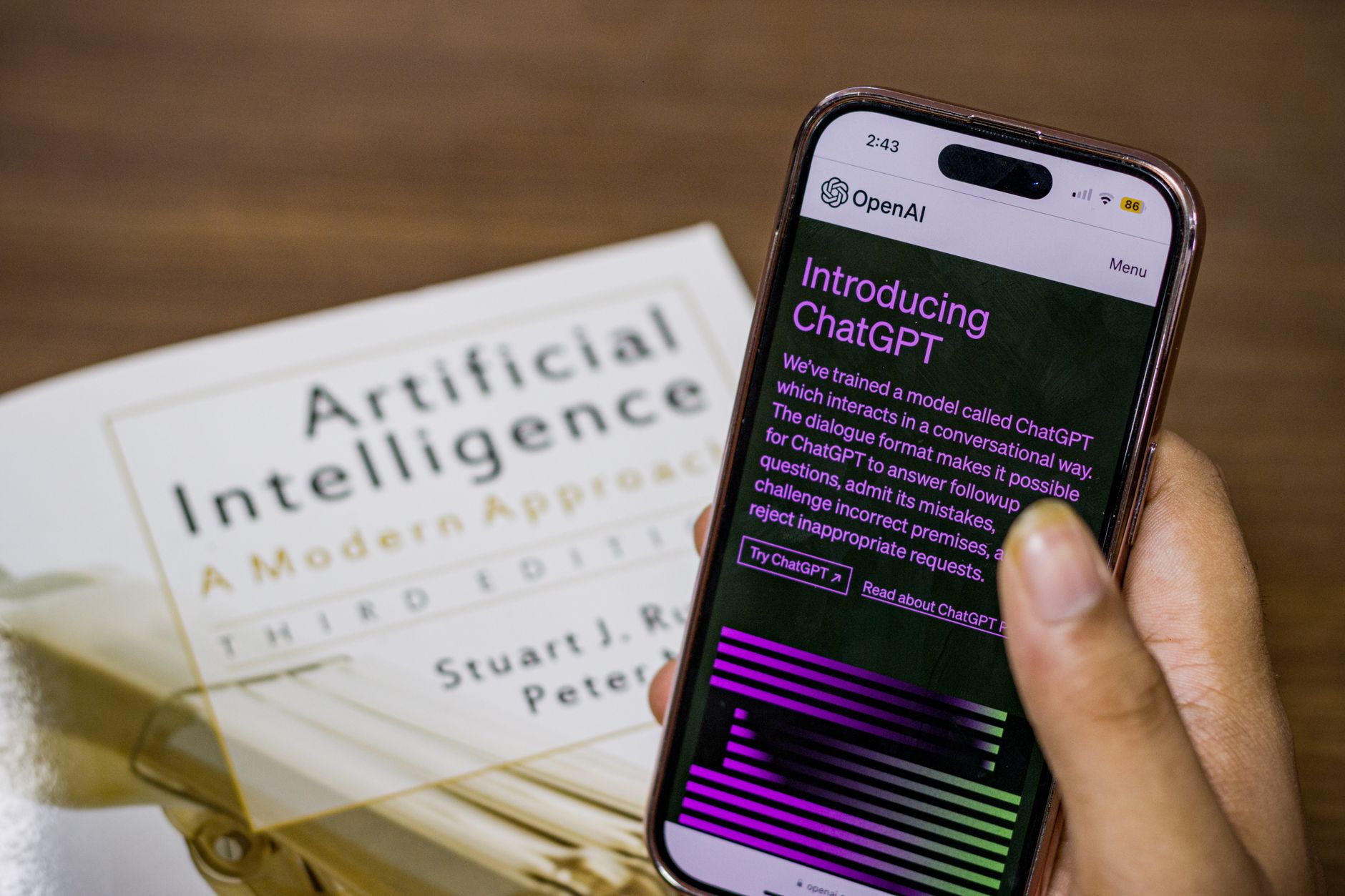
Creating social media posts can eat up your evening. You have to think of an idea, write a caption, pick hashtags, and maybe create a visual. AI can help with the words part right now. You do not need marketing experience or technical skills. You open a tool, tell it what you want, and it drafts a post in seconds. This guide shows you how to use AI for social media posts without spending hours learning prompts. You can write for Instagram, Facebook, LinkedIn, X, or TikTok. The goal is not to replace your voice. The goal is to get a strong first draft that you can edit quickly.
Tools like ChatGPT, Claude, and Microsoft Copilot have become everyday writing assistants. According to a 2024 HubSpot survey, 69 percent of marketers now use AI for content creation at least sometimes. Another report from Sprout Social found that 74 percent of social marketers say AI helps them create more content in less time. These numbers matter because they show a shift. AI is not just for tech teams or big brands. It is for a parent promoting a school fundraiser, a small business owner announcing a sale, or a freelancer building a personal brand. The key is learning to steer the tool with clear instructions.
This article walks through the main ways AI can help you. You will learn how to choose a tool, write a simple prompt, avoid common mistakes, and set up a small workflow. You will also see example prompts and a comparison table. If you are new to AI, our guide on how to use AI in daily life is a gentle starting point. By the end, you can create a week of social posts in under an hour. You still decide what to post and how it should sound. AI just removes the blank page problem.
| Tool | Best For | Free Tier | Notable Strength |
|---|---|---|---|
| ChatGPT | Drafting captions and threads | Yes | Fast, widely available, strong for short hooks |
| Claude | Natural, longer captions and tone control | Yes | Human-sounding writing that follows tone well |
| Microsoft Copilot | Everyday users in Microsoft apps | Yes | Works inside Windows, Edge, and Office |
| Perplexity | Research-backed post ideas | Yes | Checks live web sources for current trends |
| Notion AI | Team content calendars | Paid add-on | Writes inside your Notion workspace |
What Can AI Actually Do for Social Media Posts?

AI can turn a rough idea into a finished draft. You might give it a few words like “new coffee blend launch” and ask for three Instagram captions. It can produce captions, hashtags, and even a short video script. The output is not always perfect, but it saves the time you would spend staring at a blank box.
You can also use AI to rewrite content you already have. Paste a long blog post, customer review, or email. Ask the tool to create five social posts from it. Different platforms need different lengths. AI can adjust a LinkedIn post into a short X thread or a casual TikTok caption. It can also brainstorm content ideas for a whole month. For example, a fitness coach might ask for 10 post ideas about home workouts. The AI returns a list, and the coach picks the best ones.
AI can generate a week of captions in one session. You might say, “I run a mobile dog grooming service. Give me five Instagram captions about summer shedding.” It will produce five short drafts. You then tweak the dog names and local area mentions. This is faster than writing from zero.
AI can repurpose one piece of content across platforms. A long LinkedIn post can become a carousel script, an Instagram caption, and a short YouTube Short description. You paste the source text and tell the AI which outputs you need. Claude from Anthropic is especially good at following tone instructions. You can say, “Write like a calm, knowledgeable nurse talking to new parents.” The draft will feel more controlled. This matters because social media audiences connect with a consistent voice.
- Turn a customer review into a short testimonial post.
- Rewrite a 500-word blog post into five Instagram captions.
- Generate 20 hashtag ideas for a local bakery.
- Create a week of LinkedIn tips from one video transcript.
Which AI Tools Should You Start With?
Most people do not need to pay for a new app to start. ChatGPT has a free tier that handles most caption writing. Claude also offers free access, with a friendly, natural tone. Microsoft Copilot is handy if you already use Windows, Edge, or Microsoft Office. These three cover almost every basic social media need.
If you want a more visual or team-based setup, Notion AI can write inside a workspace where you store notes and a content calendar. Perplexity can check live web sources, which is useful when you want current trends or news. You can find more free options in our free AI tools guide. To decide whether a paid upgrade is worth it, see our ChatGPT Plus review. The short version is that free tools are enough for writing posts. Paid plans add faster responses, better image generation, and longer context, but those are extras.
The free tier of Claude is strong if you prefer longer, reflective captions. ChatGPT is excellent for short, punchy hooks and Twitter-style posts. Microsoft Copilot can help inside Word or Edge, so you can draft a post while reading an article. Notion AI works best if your team already uses Notion for task management.
Start with one tool. Use it for a week. Write captions and content ideas every day. Then decide if you need more speed or features. Switching between many tools creates confusion. One assistant that knows your style is better than five apps you barely open.
How Do You Write a Good Prompt for a Social Post?

A prompt is simply the instruction you type. The better your instruction, the better the draft. A useful prompt includes four parts: the role, the goal, the audience, and the format. You do not need special training. You just write a few clear sentences.
Here is an example you can copy. “You are a social media assistant for a local used bookstore. Write two Instagram captions announcing a weekend sale on paperback fiction. The audience is readers aged 25 to 45 who like cozy, low-pressure shopping. Keep each caption under 120 words. End with a call to action.” This prompt gives the AI enough to work with. If the first result feels off, say what to change. “Shorter sentences. Less salesy. Add a bookish pun.” You can keep refining until the draft sounds right.
Prompts do not need to be long. A single sentence can work. But adding context saves time. For example, “Write an Instagram caption about my new candle scent” will produce something usable. But “Write a warm, cozy Instagram caption for a small candle brand. The scent is cedar and vanilla. Target audience is people who like slow evenings at home. Keep it under 100 words.” will produce a much better draft.
You can also ask the AI to give you three options instead of one. Say, “Give me three variations: one playful, one calm, one urgent.” Then compare. This is faster than rewriting from scratch. Save the prompts that work in a notes app. Over time, you build your own prompt library. That library becomes more valuable than any single caption. For more prompt ideas and personal use cases, read our ChatGPT personal use ideas guide.
- Role: You are a calm, welcoming yoga teacher.
- Goal: Promote a free morning stretch class.
- Audience: Busy parents who have 10 minutes.
- Format: One Facebook post and one Instagram reel script.
What Are the Common Mistakes and Risks?
AI output can be smooth but empty. It may say “elevate your wellness journey” instead of saying something real. The fix is to add specific details from your own life. Replace generic phrases with names, places, prices, dates, or personal stories. If an AI draft says “great coffee and friendly vibes,” change it to “our oat milk latte uses beans from a local roaster.”
The second risk is incorrect information. AI can confidently state a wrong date, statistic, or product detail. Always verify facts before posting. Do not rely on AI for medical, legal, or financial claims. This matters for small businesses and personal brands. If you share something false, your audience may notice.
Privacy is another concern. Free AI tools may use your conversations to improve models. Never paste customer names, phone numbers, email lists, or private health details into a public AI chat. Our AI privacy guide explains how to protect yourself. Some platforms also have disclosure requirements for synthetic content. Check your local platform rules if you use AI-generated images or videos at scale.
Another common mistake is posting too much AI content without adding a point of view. If your feed becomes a wall of generic motivation quotes, followers may disengage. Social media rewards specificity. Use AI for structure, but insert your own observations. Disclosure rules are still evolving. Some platforms ask creators to label realistic AI-generated images or video. Text captions usually do not require disclosure. The safest habit is to be honest with your audience when it matters. People do not mind AI assistance. They do mind being tricked or spammed.
How Can You Build a Simple Weekly Workflow?
Once you know the basics, a simple weekly routine keeps things moving. Start with a 20 minute Monday session. Ask your AI tool to brainstorm 10 post ideas for your niche. For example, a gardener could ask for ideas about seed starting, pest control, and fall cleanup. Pick five ideas that feel relevant.
Next, draft the captions. Give the same prompt structure each time. Ask for two options per idea. Read both options aloud. Choose the one that sounds most like you. Then edit the first line. Hook lines matter more than anything else. Add a question or a small story. A draft is only the starting point.
Batch your work. Creating posts one at a time throughout the week is tiring. A single 45 minute session can replace five small sessions. Use AI to generate all your drafts at once. Then spend 15 minutes editing the batch. This approach works because your brain stays in one mode. You are writing, then editing, then scheduling.
If you manage multiple platforms, create a simple note with one caption idea per platform. For example, Monday’s blog tip becomes a LinkedIn post, an Instagram story, and an X thread. AI can help you adapt the same idea to each format. This is a force multiplier for personal brands and small businesses. Finally, schedule or save your drafts in one place. You can use native platform scheduling or a simple notes app. Our use AI to save time guide offers more ways to automate everyday tasks. If you want to expand this habit into broader planning, check out AI for productivity. The goal is a repeatable system, not a one-off burst of inspiration.
- Step 1: Ask AI for 10 content ideas based on your niche.
- Step 2: Pick five and ask for two caption options each.
- Step 3: Rewrite the winning drafts in your own voice.
- Step 4: Batch create or gather images for each post.
- Step 5: Schedule posts natively or in a simple planner.
Frequently Asked Questions
Is AI-generated social media content safe to post?
It can be safe if you review facts, avoid sensitive customer data, and edit the draft. AI may invent statistics or sound too generic. Always read the final version before you share it.
Can AI create images for social posts too?
Many AI tools like ChatGPT Plus, Microsoft Copilot, and Canva can generate images. Results vary. Check text inside images carefully because AI often misspells words.
Do I need to pay for AI to create social media posts?
No. ChatGPT, Claude, and Microsoft Copilot all have free tiers that cover basic captions and idea generation. Paid versions add faster models, image tools, and longer context, but they are optional.
How much time can AI save on social media?
Many users report saving 2 to 5 hours per week. A Sprout Social study found 74 percent of social marketers say AI helps them produce more content faster. Your results depend on how often you post.
Will my followers know I used AI?
Not if you edit the draft with your own details and voice. Generic phrases and overly perfect punctuation can be clues. Add personal stories, names, places, and specific details to make it feel human.
What is the best free AI tool for social media posts?
ChatGPT and Claude are both strong free options. Microsoft Copilot is especially useful if you already work in Windows, Edge, or Microsoft Office. Start with one tool and test it for a week before deciding.
What Should You Remember?
- AI drafts can turn rough notes into captions for any platform in seconds.
- Clear prompts with audience, goal, and format details produce much better results.
- Human review prevents errors, generic tone, and privacy problems before posting.
- Free tools like ChatGPT, Claude, and Microsoft Copilot are enough to get started.
- One weekly workflow can create a full batch of posts in under an hour.
- Editing is essential to keep your personal voice and factual accuracy intact.
- Privacy matters so never paste private customer or personal data into public AI tools.
This article is for general information only. AI tools, pricing tiers, and free limits change frequently, so verify current features and pricing on the vendor’s own site before committing. Some links may be affiliate links that support this site at no cost to you.