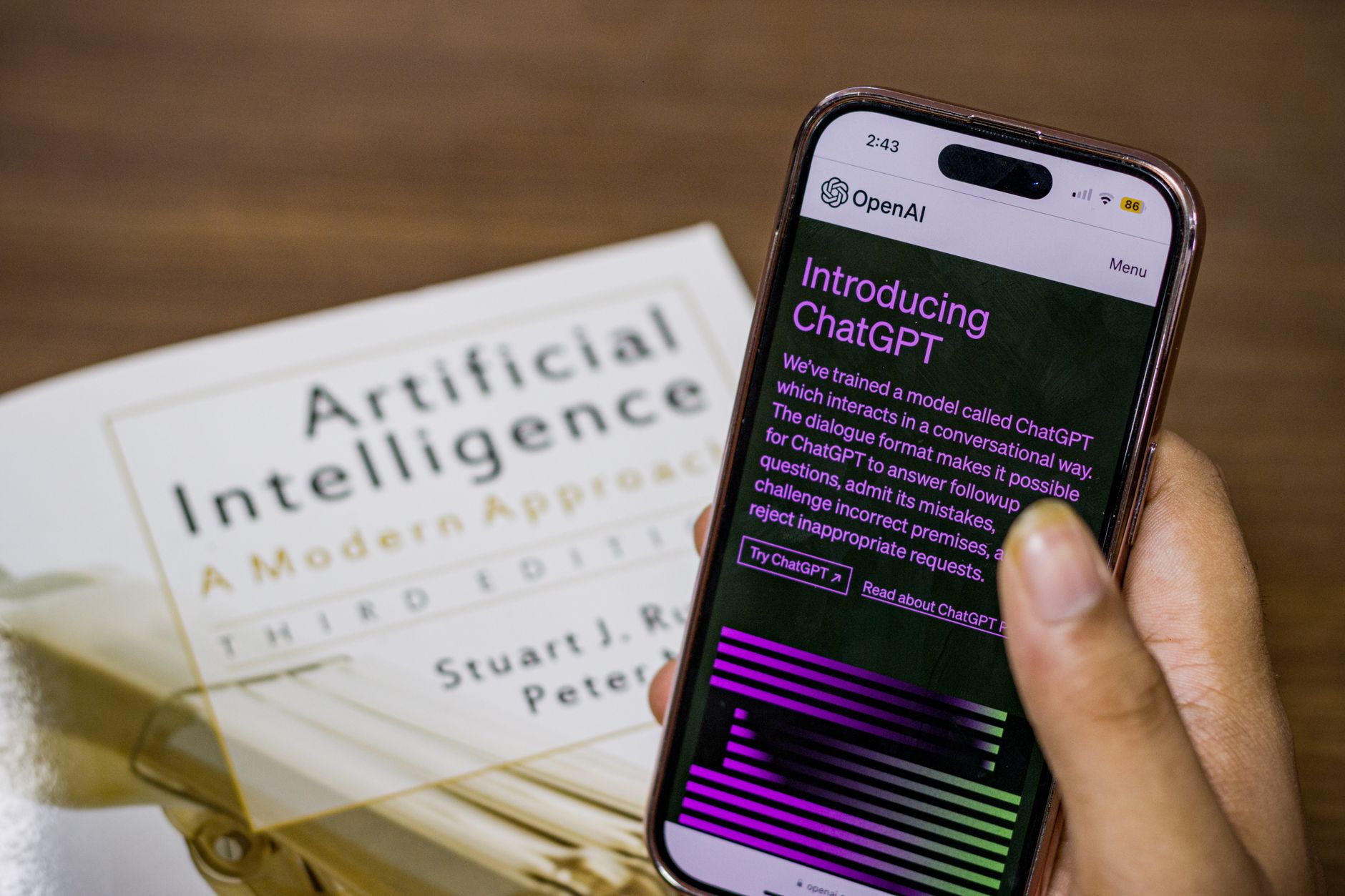
Most fitness plans fail because they are built for someone else. A generic app routine might ignore your knee pain, your 45-minute lunch break, or the fact that you hate burpees. AI changes that. You can ask a chatbot to act as a trainer who knows only your details. This guide shows you exactly what to type. It also explains how to turn AI output into a safe weekly plan. If you are new to using AI for daily tasks, start with this primer on how to use AI in daily life.
The process is not complicated. You give the AI your constraints, goals, and preferences. Then you ask for a week of workouts. The AI gives you a draft. You refine it by asking for shorter sessions, equipment swaps, or lower-impact moves. This back-and-forth is the key. It is like editing a plan with a very patient coach. You can do it for free with ChatGPT or Claude. See more everyday uses in ChatGPT personal use ideas.
You do not need a paid app or a custom spreadsheet. You need about 20 minutes and a clear set of answers. This guide includes copy-paste prompts for each step. It also shows you how to handle pain, boredom, missed workouts, and plateaus. The goal is a plan you can actually follow for months, not just one hard week. We will cover tools, prompts, common mistakes, and sample progress checks. By the end, you will have a working plan and the skills to adjust it yourself.
AI is not a doctor or a physical therapist. It can suggest exercises, but it cannot diagnose an injury. If something feels wrong, stop and ask a professional. Still, for general fitness planning, AI is a powerful starting point. This guide focuses on practical, safe ways to use it. You will learn to ask for clear reasoning, to request alternatives, and to track what works. That makes the tool more useful than a static PDF. Take your time with the first draft. You can always refine it. Let’s build your plan.
What You’ll Need
- A free AI chatbot account such as ChatGPT, Claude, or Gemini
- A note app or printed checklist
- 20 to 30 minutes for the first draft
- Optional: a pair of dumbbells or resistance bands
How Do You Use AI to Build a Personalized Fitness Plan in 20 Minutes?
- List your schedule, equipment, injuries, goals, and preferences.
Before you open any AI tool, write down five things. Note your weekly schedule, the equipment you own, any injuries or limitations, your main goal, and the exercises you refuse to do. This step matters because AI is only as good as the details you give it. If you say ‘I want to get fit,’ the AI will return a generic plan. If you say ‘I have 30 minutes on Tuesday and Thursday, two dumbbells, and a sore lower back,’ the plan gets much closer to your life.
The American College of Sports Medicine suggests 150 minutes of moderate aerobic activity per week plus two strength sessions. You can use that as a baseline. Tell the AI you want to hit that target, or ask it to start lower. The data point helps the AI see that you are not guessing. The same goes for rest days. If you work nights or travel often, say so.
Use the prompt below to load your details into the conversation. It is long on purpose. The AI can hold all of this in the same chat. Paste it and answer any follow-up questions the AI asks.
I will give you my fitness details. Please store them for this conversation.
Schedule: 3 weekdays, 45 minutes each, plus one 20-minute weekend session.
Equipment: two dumbbells, a pull-up bar, resistance bands, no gym.
Injuries: mild left knee discomfort when running.
Goal: build strength and improve endurance in 10 weeks.
Preferences: no burpees, no high-impact jumps.
Ask me any questions you need to create a more accurate plan.
The biggest mistake here is hiding details. You are not bothering the AI. You are giving it data. The more specific you are, the fewer rounds of edits you will need later. Once you have shared these details, move to the next step and ask for the first weekly plan.
- Ask the AI for a starter weekly plan.
Now that the AI has your details, ask for a seven-day plan. Use a direct prompt that asks for format, rest, and exercise markers. The format matters because a wall of text is hard to follow. A table forces the AI to organize the week. Ask for sets, reps, and rest times. If you are a beginner, ask for beginner-friendly choices.
You can use ChatGPT, Claude, or Gemini. ChatGPT is a common starting point. OpenAI documents its consumer features at OpenAI. If you want to compare free options first, read this guide to free AI tools 2026. The prompts in this guide work across all three tools. You do not need a paid plan to start.
Paste this prompt after your details:
Using the details I gave you, create a 7-day beginner-friendly strength and endurance plan.
Include one full rest day.
For each workout, list exercises, sets, reps, and rest time.
Mark any exercise that could stress the left knee and provide a substitute.
Format as a table with days, focus, duration, and notes.
The first draft will not be perfect. That is expected. Read it once and look for red flags. Does it include exercises you cannot do? Is it too long? Does it ignore your knee? You do not fix all of that by starting over. You fix it by refining. The next step shows you the exact follow-up prompts to use.
- Refine the plan with follow-up prompts.
Your first AI plan is a draft. The real value comes from the next few messages. Ask for swaps, shorter sessions, and low-impact choices. The AI will rewrite the plan quickly. That is much easier than editing a PDF or a prebuilt app routine. The key is to make one or two changes at a time. If you ask for five changes at once, the AI may drop something important.
Start with this follow-up:
Swap all high-impact jumps for low-impact alternatives.
Keep each workout under 40 minutes.
Replace any exercise that needs a gym.
Highlight the easiest option for days when I feel tired.
Then ask about equipment:
I only have one dumbbell this week. Update the plan and keep leg work safe for my left knee.
This type of targeted editing makes the plan feel personal. It also teaches the AI what you prefer. If you liked three of the five exercises, say so. If you hated two, say that too. The model remembers within the same chat. That memory is helpful as you build future weeks.
Do not accept a plan that makes you dread working out. The best plan is one you will repeat. If the AI suggests a 90-minute session and you have 35 minutes, say that directly. The plan should fit your life, not the other way around. Once the draft feels realistic, move on to scheduling and check-ins.
- Turn the plan into a weekly schedule with check-in prompts.
The next step is to make the plan easy to follow day by day. Ask the AI to create a simple checklist. A checklist removes the need to think about what comes next. It also gives you a place to record effort and notes. If you miss a day, you can look back and see the pattern.
Use this prompt:
Create a simple weekly checklist from my refined plan.
Add a 1-10 effort score after each workout and a one-sentence note area.
Then write a Sunday review prompt that asks what felt easy, what felt hard, and whether I slept enough.
Sleep is part of fitness. The National Sleep Foundation recommends 7 to 9 hours for most adults. You can tell the AI to include a sleep note in your weekly review. If your sleep was poor, the AI may suggest reducing intensity for the next week. That is the kind of realistic adjustment that keeps you consistent.
This is also a good place to save time. Instead of building a new tracker from scratch, let the AI format your notes. You can paste the checklist into a note app or print it. For more ways to automate small tasks, see use AI to save time. The Sunday review prompt is your weekly checkpoint. It helps you decide what to change before you ask the AI to update the plan.
- Use AI for exercise form and safe substitutions.
Even a good plan can cause injury if your form is off. AI can help you learn each movement step by step. Ask for short form cues and common mistakes. Ask for a substitute for anything that feels uncomfortable. This works well when you are at home and do not have a trainer watching you.
Paste this prompt:
For each exercise in Monday's workout, give me a three-step form cue list, one common mistake, and one at-home substitute.
Keep explanations under 50 words each.
The AI will return short notes you can read between sets. If an exercise hurts, stop. Then ask for a swap. You can say, ‘I felt a sharp pain in my shoulder during overhead press. Replace it with something that works the same muscles but avoids overhead movement.’ The AI will offer options. Pick one and move on.
Be careful about what you share. You do not need to upload medical images or type out your full medical history. Use general descriptions like ’lower back stiffness’ or ‘right shoulder feels weak.’ For more on staying private while using AI, read this AI privacy guide. You can also check Google’s Gemini documentation at Google AI to understand how its consumer tools handle prompts. The goal is to get useful exercise cues without oversharing health data.

- Track progress and adjust every two to four weeks.
The last step is to close the loop. After two to four weeks, look at your checklist. How many workouts did you complete? Did your effort scores stay in a steady range? Did your knee feel better or worse? Write a short summary and give it to the AI. Ask for an updated plan. This is how you avoid plateaus and stay motivated.
Use this prompt:
Here is my last 3 weeks of workout data. I completed 10 of 12 planned sessions. My effort scores were mostly 7 out of 10. My knee felt sore after lunges. Please adjust my plan: reduce lunges, add one extra rest day, and progress my upper body lifts by 5 percent.
The 5 percent increase is a common starting point for beginners. If you lifted 20 pounds for rows, you might try 21 or 22 pounds next. Small jumps are safer and easier to recover from. You can ask the AI to build that progression for each exercise.
This is also where AI can help you think like a coach. It can spot patterns you might miss. For example, if your effort scores were high but your sleep notes were low, the AI may suggest a lighter week. For more on using AI to stay organized with this kind of trackable data, see AI for productivity. After a few cycles of this, you will have a plan that actually grows with you.

Red Flags & Warnings
- 🚨 Do not ignore sharp pain. AI cannot diagnose an injury. Stop the exercise and consult a doctor or physical therapist.
- 🚨 Do not share full medical records or IDs with AI. Use general descriptions like ’left knee discomfort’ instead of personal health files.
- 🚨 Do not follow an extreme plan without checking it against your own limits. If the AI suggests adding 20 pounds in one week, slow down.
- 🚨 Do not skip rest days just because the AI listed them. Rest is part of the plan. Overtraining leads to plateaus and injuries.
- 🚨 Do not accept an exercise you do not know how to do. Ask for a substitute or a form breakdown before trying it.
- 🚨 Do not set vague goals like ‘get toned.’ Use measurable goals like ‘do five push-ups in eight weeks.’
Frequently Asked Questions
Is it safe to use AI to build a fitness plan?
AI is safe for general workout planning if you stay honest about your limitations. It is not a replacement for a doctor or physical therapist. Stop any exercise that causes sharp pain. For injuries or medical conditions, talk to a professional first.
Which AI tool is best for building a personalized fitness plan?
ChatGPT, Claude, and Gemini all work well for this task. You do not need a paid subscription to get a useful draft. The best tool is the one you already know how to use. The prompt quality matters more than the model name.
How often should I update my AI-generated fitness plan?
Every two to four weeks is a good rhythm. After that window, your body begins to adapt to the routine. Feed your workout notes back to the AI and ask for specific changes.
Can AI create a plan if I have an injury?
AI can suggest low-impact alternatives, but it cannot diagnose your injury. Use the AI for exercise swaps and form cues only. If pain persists or worsens, see a healthcare provider.
Do I need a paid AI subscription to build a fitness plan?
No. Free versions of ChatGPT, Claude, and Gemini can create and adjust a basic plan. Paid plans may give you longer chats or newer models, but they are not required for this process.
What should I do if the AI gives me an exercise I have never done?
Ask the AI for step-by-step form cues and a common mistake. Then ask for a simpler substitute you can try first. If you are still unsure, watch a short video from a certified trainer before attempting it.
What Should You Remember?
- Specific details: Give the AI your schedule, equipment, injuries, goals, and preferences before asking for a plan.
- Start with a draft: Ask for a seven-day table with sets, reps, and rest times, then refine it.
- Use follow-up prompts: Swap high-impact moves, shorten workouts, and replace gym-only exercises.
- Build a checklist: Add effort scores and a Sunday review prompt to track consistency and sleep.
- Ask for form cues: Get short, safe instructions for each exercise before trying it.
- Update every two to four weeks: Feed your workout notes back to the AI and ask for small progressions.
- Stay privacy-aware: Share general limitations, not sensitive medical files.
This article is for general information only. AI tools, pricing tiers, and free limits change frequently, so verify current features and pricing on the vendor’s own site before committing. Some links may be affiliate links that support this site at no cost to you.